Robot Setup
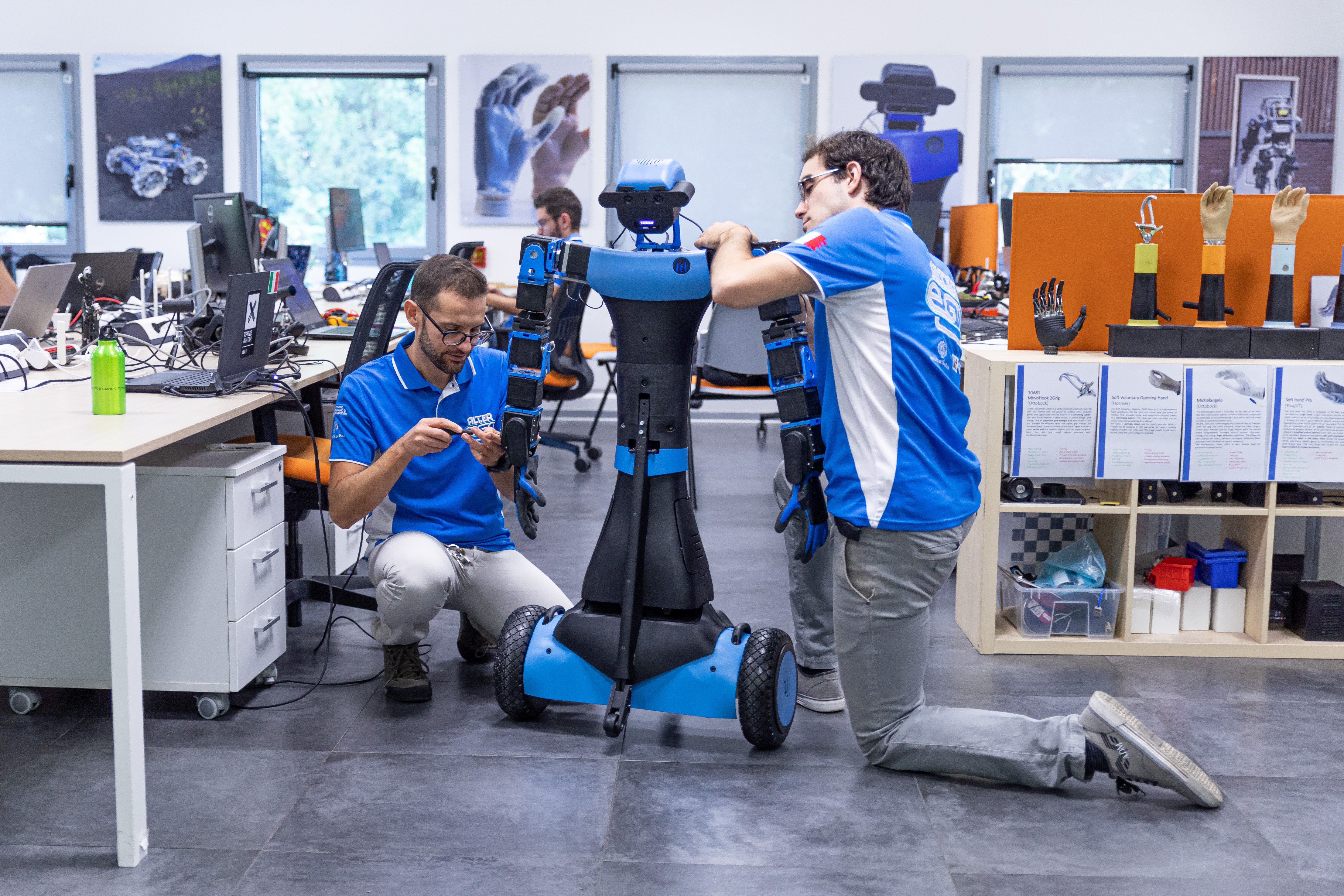
This section provides a comprehensive guide on how to set up your robot, including hardware installation, software configuration, and initial testing procedures. Follow the steps carefully to ensure your robot is ready for operation.
Hardware Installation
- Unboxing: Carefully unbox your robot and ensure all components are present.
- Assembly: Follow the assembly instructions provided in the manual to put together the robot.
- Power Supply: Connect the robot to a suitable power supply and ensure it is securely plugged in.
- Safety Checks: Perform a safety check to ensure all components are properly installed and secured.
Software Configuration
- Download Software: Download the latest software package from the official website.
- Installation: Follow the installation instructions to set up the software on your computer.
- Connect Robot: Connect the robot to your computer via USB or Wi-Fi, depending on the model.
- Configuration: Open the software and follow the configuration wizard to set up the robot's parameters, including sensors, motors, and communication settings.
- Firmware Update: Check for any firmware updates and apply them to ensure your robot is running the latest version